Nintendo Switch 2: Everything We Know & Should You Upgrade

Nintendo’s next console is the biggest hardware story in gaming. Here’s a clear, no-hype rundown of what a Switch successor means for players — the design philosophy, backward compatibility, and how to think about upgrading.
What stays the same
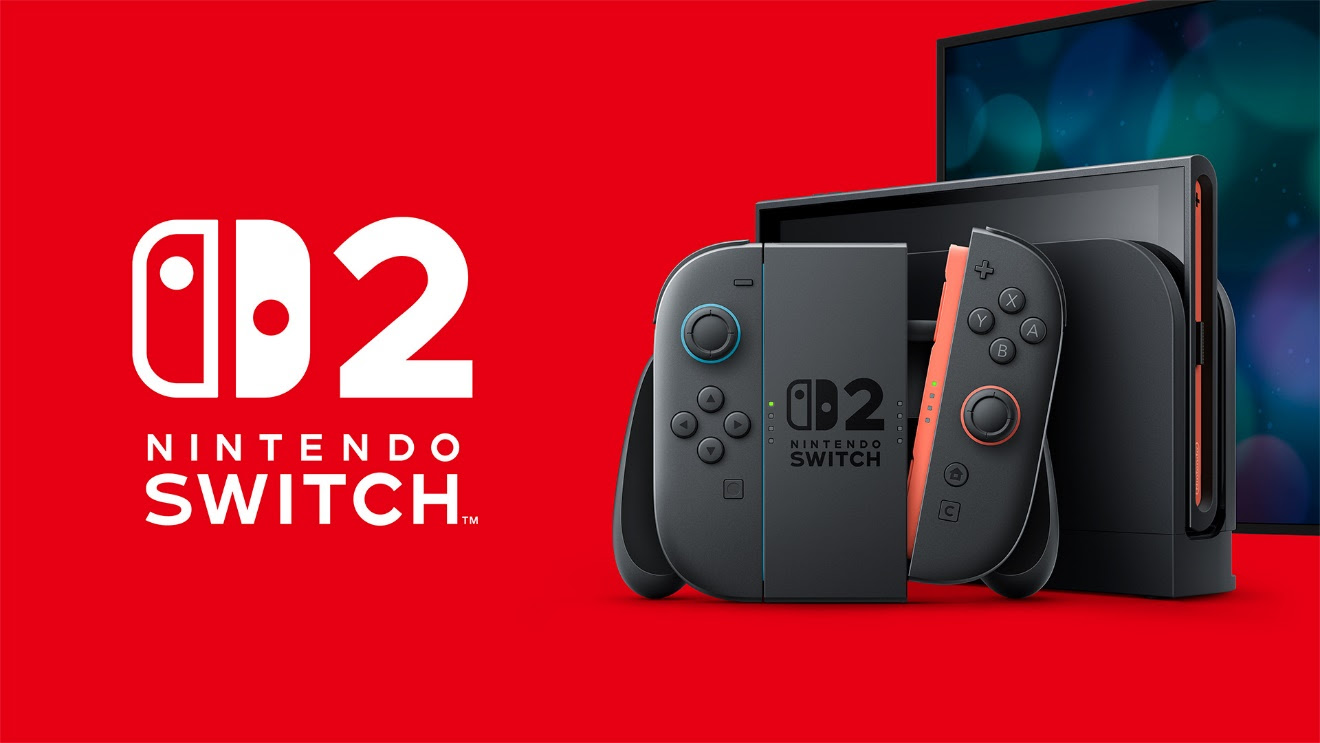
Nintendo’s core idea — a single system that works both docked to a TV and as a handheld — is the foundation of the Switch brand and isn’t going anywhere. Expect the hybrid form factor, detachable controllers and the seamless dock-to-handheld transition to remain the identity of the platform.
What players care about most
- Backward compatibility. The single biggest question for existing owners is whether their library carries forward. A generation that keeps your games and accounts is a far easier upgrade than a clean break.
- Performance. More horsepower means sharper visuals and steadier frame rates — but Nintendo has always prioritised battery life, portability and price over raw specs.
- The launch line-up. Hardware sells on software. A strong first-party launch title is what turns curiosity into a purchase.
Should you upgrade at launch?
Console launches reward patience. Early adopters get the newest hardware first, but the library grows over the following year, prices settle, and revisions often improve battery and reliability. If you play the newest first-party games day one, upgrading early makes sense. If you have a deep backlog, waiting for a bigger library and a bundle is the smarter play.
How to prepare
Keep your Nintendo Account in good order, make sure your saves are backed up via cloud where supported, and hold onto your existing library — if backward compatibility lands as expected, that collection becomes the head start on your new system.
Join the Conversation