
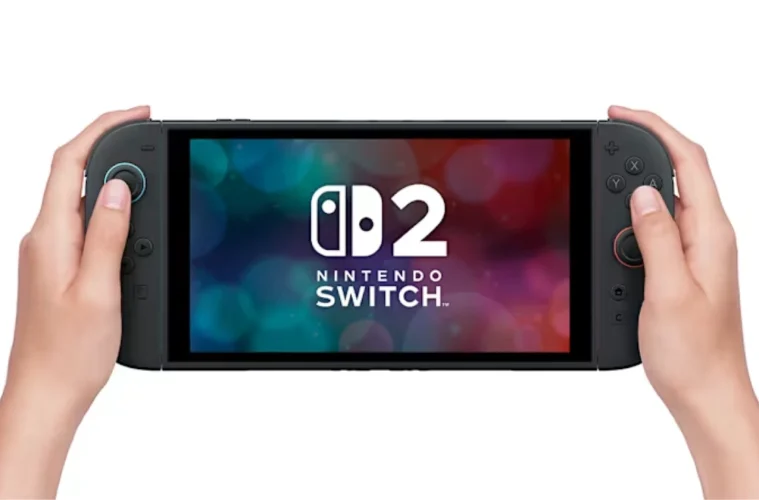
Nintendo has rolled out a new system update for both the Switch and Switch 2, and while most of it looks like standard firmware housekeeping, there’s one feature that genuinely changes how older games play on the newer console.
Version 22.0.0 introduces something called Handheld Mode Boost, and if you’ve got a backlog of original Switch games, this could quietly make a lot of them look and run better on Switch 2 hardware.
Handheld Mode Boost Lets Older Games Run At Higher Quality
The standout addition in the Switch 2 update is Handheld Mode Boost, a setting that allows compatible Switch games to run as if they were in TV mode, even when you’re playing handheld.
Normally, original Switch games drop to 720p in handheld mode. With this feature enabled, those same games can instead run closer to 1080p, matching the Switch 2’s built-in display.
That jump in resolution can make a noticeable difference. Games that previously looked a bit soft or stretched on the Switch 2’s higher-resolution screen can now appear sharper, with improved textures and draw distance depending on the title.
In testing, even unpatched games like Mario Kart 8 Deluxe and Dragon Quest XI S showed clearer visuals and improved overall presentation when the feature was enabled.
Why This Feature Matters For Backward Compatibility
Before this update, playing older Switch games in handheld mode on Switch 2 could actually look worse than on the original hardware. That’s because those games were still rendering at 720p, then being stretched to fit a 1080p screen.
Handheld Mode Boost acts as a workaround by forcing those games into their higher-quality docked settings. It’s not a full remaster or patch, but it bridges the gap nicely for titles that haven’t received official upgrades.
For players who rely heavily on handheld play, this is arguably one of the most meaningful quality-of-life improvements the Switch 2 has received so far.
There Are Some Limitations And Trade-Offs
As useful as it is, Handheld Mode Boost isn’t perfect.
Because the system is essentially tricking games into thinking they’re running in TV mode, certain features can break or behave differently. Touchscreen functionality, for example, may not work at all when the setting is enabled.
Controller behaviour also changes. Attached Joy-Con 2 controllers are treated as a single Pro Controller, which can affect games designed around motion or split controls.
There’s also a battery trade-off. Running games at higher settings increases power consumption, which can reduce playtime in handheld mode.
And importantly, not every game supports the feature. Titles that rely heavily on motion controls or touchscreen input are currently excluded, including:
- Super Mario Maker 2
- Pokémon Let’s Go Pikachu and Eevee
- Super Mario 3D All-Stars
- The Legend of Zelda Skyward Sword HD
- Clubhouse Games
- Taiko no Tatsujin: Drum ’n’ Fun!
- Pikmin 1 + 2
You Have To Turn It On Manually
One thing to keep in mind is that Handheld Mode Boost isn’t enabled by default.
To use it, you’ll need to head into System Settings, scroll to System, then find Nintendo Switch Software Handling and toggle the feature on yourself.
That means players who don’t dig into settings might not even realise the option exists, despite how impactful it can be.
The Rest Of The Update Adds Smaller Improvements
Outside of Handheld Mode Boost, Version 22.0.0 includes a range of smaller tweaks and additions.
These include improvements to GameChat, new accessibility features like expanded text-to-speech support, the ability to add private notes to friends, and updates to the eShop experience such as video rewind and fast-forward options.
There are also system-level changes like better storage breakdown visibility, audio testing options, and expanded language support.
Most of these are incremental, but they help round out the overall user experience.
A Quiet But Important Upgrade For Switch 2 Owners
This update doesn’t shout about itself in the way a big game release or hardware revision might, but Handheld Mode Boost is the kind of feature that can genuinely improve day-to-day play.
If you’re someone who spends a lot of time gaming on the go, it effectively upgrades a large chunk of the Switch library overnight, without needing patches or re-releases.
It’s not flawless, and the compatibility list will likely evolve over time, but for now, it’s a solid step forward in making the Switch 2 feel like a true upgrade rather than just a continuation.