
Acer Predator Helios 16 Review

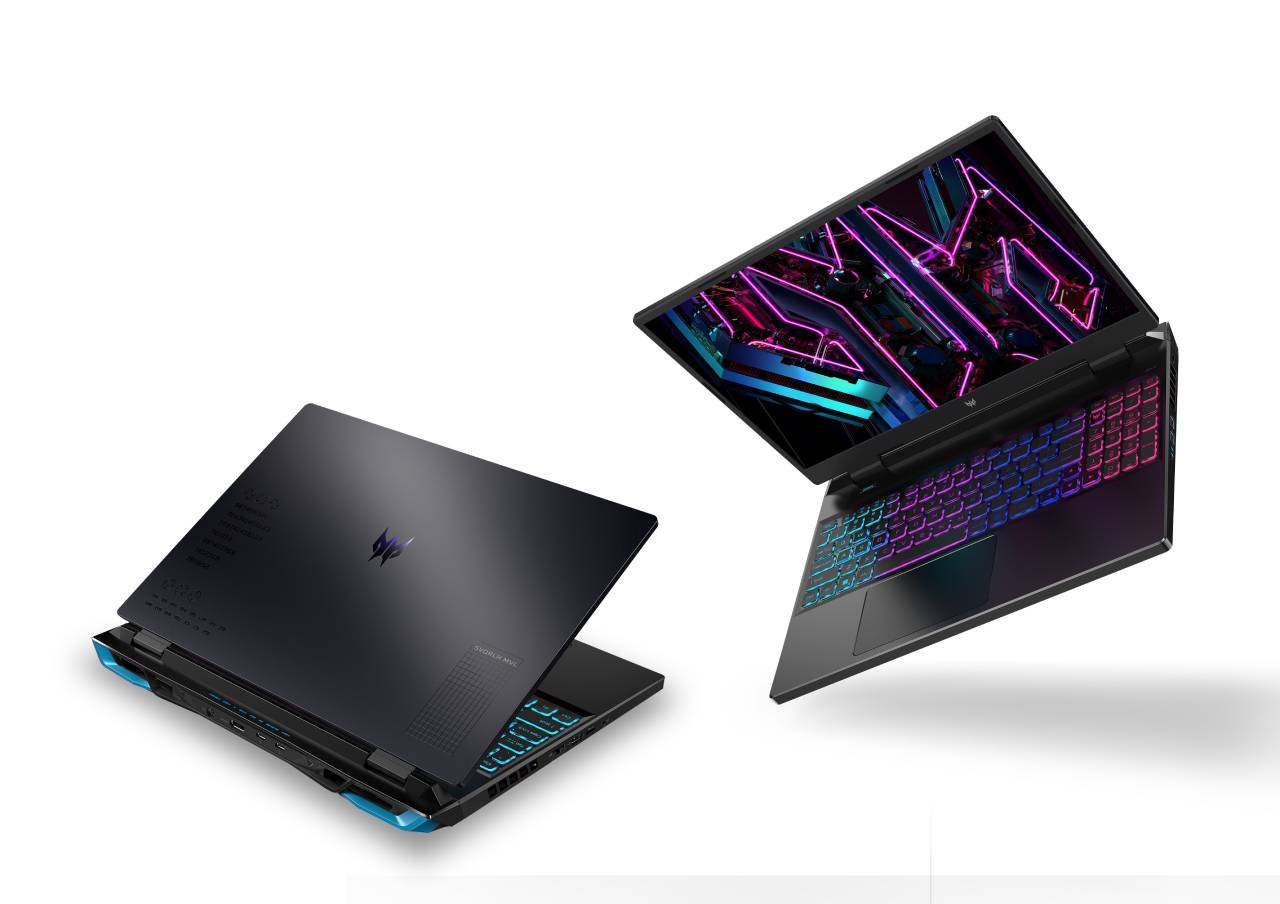
Gaming laptops need as much help as they can.
Gaming laptops are pushed in every direction to do as much as possible with as little as they can get away with. CPU performance, battery life, cooling, weight, GPU power: compromise any one of these and the whole thing can fall apart. All the power in the world means nothing if a laptop runs above its thermal limits, since it won’t perform well and will sound and feel awful in the process. A weak GPU, or one starved of power, just means a worse gaming experience overall.
Some recent technologies help on this front. On the CPU side, e-cores have made their way into higher end chips, letting low-power tasks run on efficient cores while the higher-powered cores are saved for the demanding stuff.
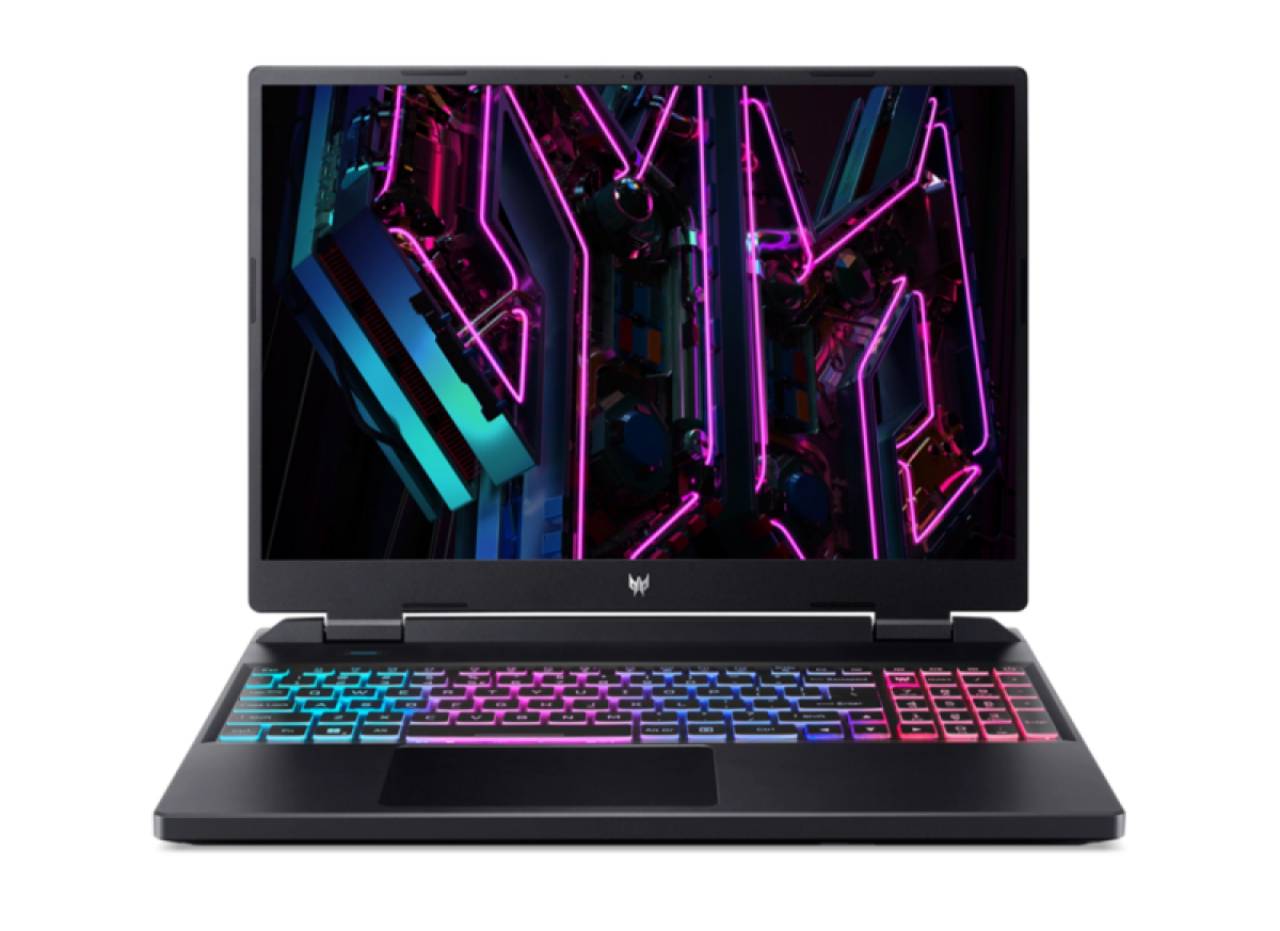
On the GPU side, NVIDIA’s tensor-core powered DLSS reduces GPU demand by rendering at a lower base resolution, which boosts possible performance across the board. It’s especially useful for laptops in power-limited scenarios. AMD’s FSR2 and other temporal upscaling solutions are also present, but DLSS running on dedicated hardware can be a real win for a laptop’s power management.
The next trick in NVIDIA’s arsenal is frame generation, what they call DLSS 3. It lets the GPU intelligently interpolate frames, lifting the perceptible frame rate significantly. It’s not a perfect solution, but for laptop users trying to reach or push past playable framerates, it’s a genuine boon. Components avoid the extra strain that would otherwise drain battery life and demand more complex heat management.
So in this vein I was excited to test Acer’s Predator Helios 16. The version I tested boasted a Core i7-13700HX, 16GB of RAM and an RTX 4060 GPU, which provided an excellent test bed for how DLSS3 can benefit a laptop’s performance.
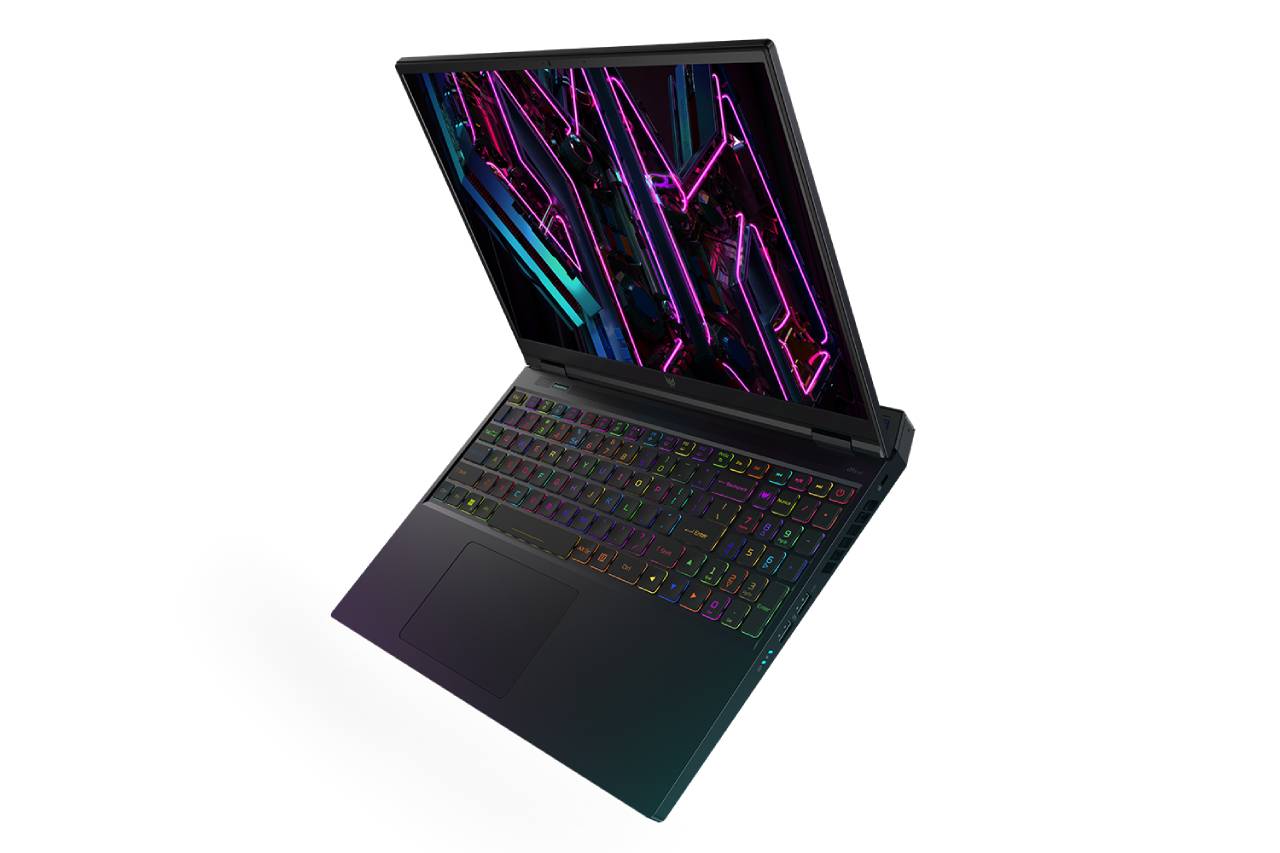
Starting from the outside first however, I was struck by two things. Firstly, I was excited to see a gaming laptop embrace the 16:10 aspect ratio, with the Acer Predator Helios 16 featuring a large 16” 2560×1600 display. Personally, I love this taller display ratio, which allows your game to fill more of your view, and makes for a much improved productivity experience. I am also glad that gaming laptops have finally made the move to greater than 1080p displays, which were starting to look a bit low-resolution in the 2020s.
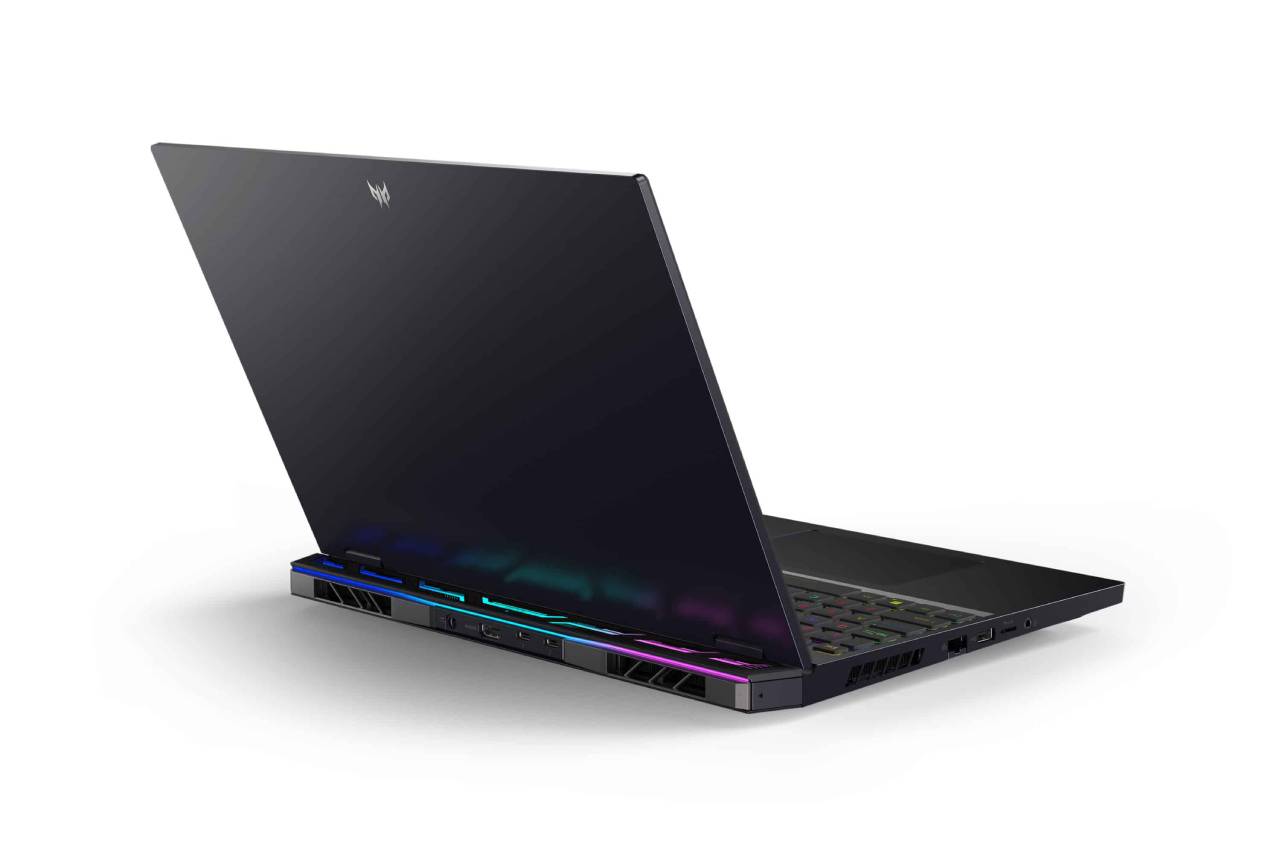
Otherwise, the laptop has a relatively understated look, with a good selection of ports available on nearly all sides of the device. It’s not a small laptop by any means – nobody is going to mistake this as a MacBook Air – but it retains a decent semblance of portability while containing adequate cooling solutions for high-stress gaming. I was delighted to see two Thunderbolt 4 ports, which are an excellent addition for gaming laptops, letting you plug into an external eGPU and high speed storage solutions when at a desk. It also helps stretch the longevity of the device, letting the included RTX 4060 age gracefully given there is the option to utilise the inevitable next generation of GPUs when plugged in.
The laptop’s storage and RAM are also upgradeable, which while not necessary out of the box also help the laptop be more serviceable and repairable, while letting you adjust the machine to your computer-use needs as they change over time.
Now onto the software experience. Unfortunately, like most Windows laptops, the Acer Predator Helios 16 was practically submerged with additional programs and pre-installed software out of the box. I wasn’t a fan of the included applications, including the power profile management software, which seemed overdesigned for what it offered with a strong “gaming” vibe. Add to that Windows 11’s self-advertising and it can take a while to set up the laptop to your liking. Your mileage may vary here of course, so take this with a grain of salt.
Onto the gaming experience. With a Core i7-13700HX I never found myself CPU-limited in gaming in any typical gaming session. It is nearly overkill for the other components, but I loved having this power at my disposal, and again if you plug in the laptop to an eGPU, the CPU will run free of battery life or contention for power with the GPU.
As a desktop GPU, the NVIDIA RTX 4060 may be somewhat maligned compared to its 3060 predecessor, but with the addition of a new much more efficient processing node and the incorporation of DLSS 3, the benefits for portable devices is significant. 8GB of VRAM is currently sufficient for ~1440p gaming, and on the more compact screen of a laptop even if you have to drop down texture resolution a step or two it’s less likely to be as noticeable as on a larger display.
Overall, I was able to happily hit my framerate targets at native resolution using a combination of pure rasterization and ray tracing performance, DLSS upscaling and DLSS 3 frame generation. Otherwise, you can gain back a decent chunk of performance in some titles by dropping the resolution down to a more manageable 2560×1440 16:9 setting.
DLSS 3 genuinely changes the equation for laptops. I found myself using it two ways. Once you hit a solid baseline, say 60FPS, you can switch on frame generation to add extra frames without piling more work onto the laptop. That means higher perceived frame rates without the extra heat, noise and battery drain you’d otherwise pay for. Other times I wanted to push the laptop to its actual limits. There, turning on frame generation stretched the top end of performance beyond what was otherwise possible.
DLSS 3 frame generation isn’t in every title, but where it is, the difference can be transformative. NVIDIA’s hardware upscaling, rather than leaning on the power-hungry main shader cores, makes a strong case for why the green team’s silicon matters in laptops. You get extended performance without a matching drop in image quality.
While the system is overall quite snappy and performant, during heavy I/O workloads I did notice that the SSD speed did waver significantly. Perhaps this points to a junk chip, but it also could point to ineffective or insufficient cooling for what are rapidly becoming devices pumping out significant heat, especially considering the compact confines of a gaming laptop, competing with a powerful CPU and GPU. In each run of crystaldiskmark I got wildly different results, with some pointing to near top speed for PCIe 4.0 while others crashing down to PCIe 3.0 speeds. Perhaps a more efficient NVMe SSD could be used here, or maybe it’s just a function of where the device sits in relation to its nearby components.
And as with nearly all gaming laptops, at the top performance level the Acer Predator Helios 16 can get quite loud – good headphones will be essential if you’re playing meaty AAA 3D gaming titles.
Otherwise, the Acer Predator Helios 16 was a great addition to my gaming life for a few weeks. There wasn’t a title that I felt it was impossible to get good gaming performance out of, and the 16:10 ratio made general computer use more pleasant. The keyboard was fine, and while battery life wasn’t good, this is fairly par for the course with these sorts of devices.
So if you’re looking for a gaming laptop that has something slightly different, without being too wacky (and the price tag that comes along with “unique” designs), the Acer Predator Helios 16 is a solid choice. There’s portability, expandability, and a supporting raft of technologies to help you get to playable performance. I would love for gaming laptops to get better at low power to idle power use, but until that day comes you wouldn’t do wrong picking up a Helios 16 for yourself.


Join the Conversation